Smart File Browser & Recents
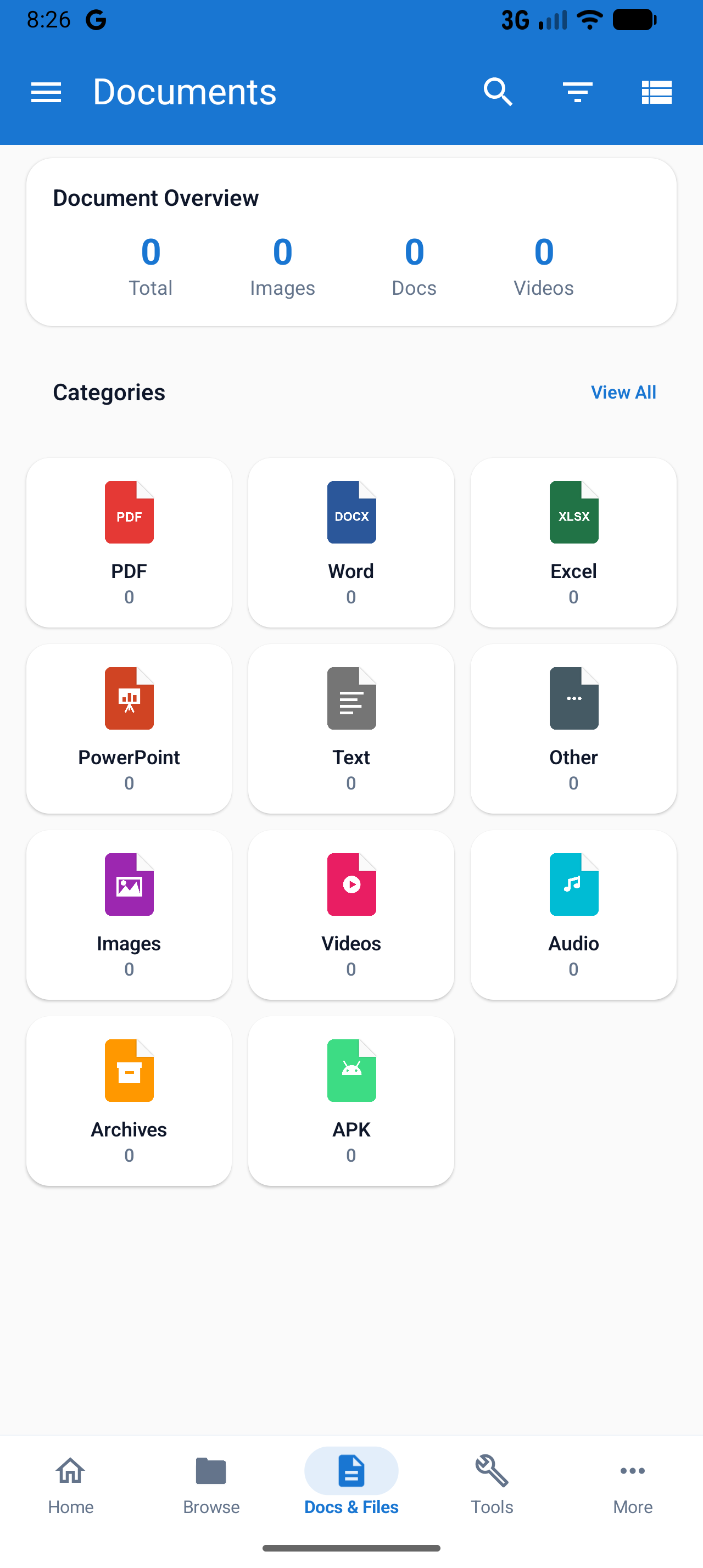
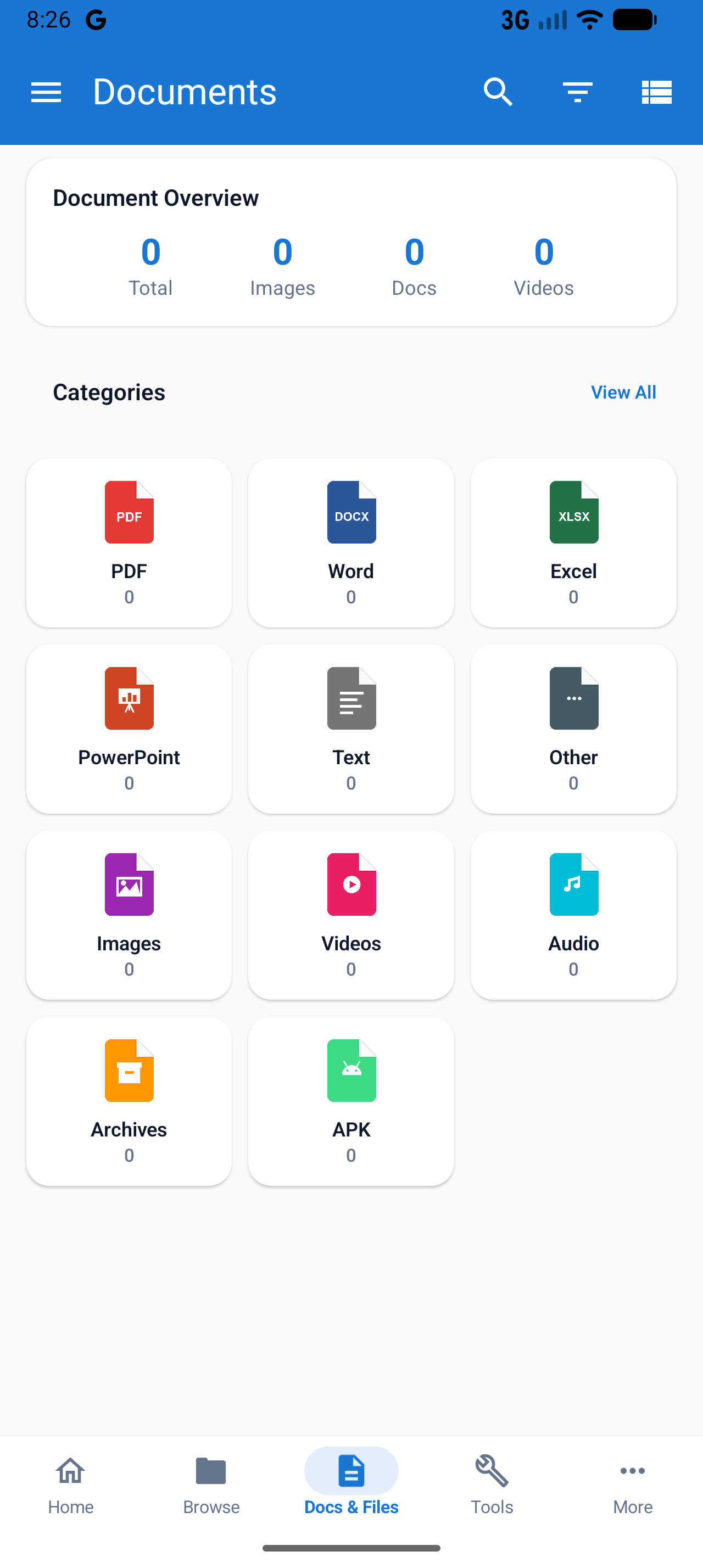
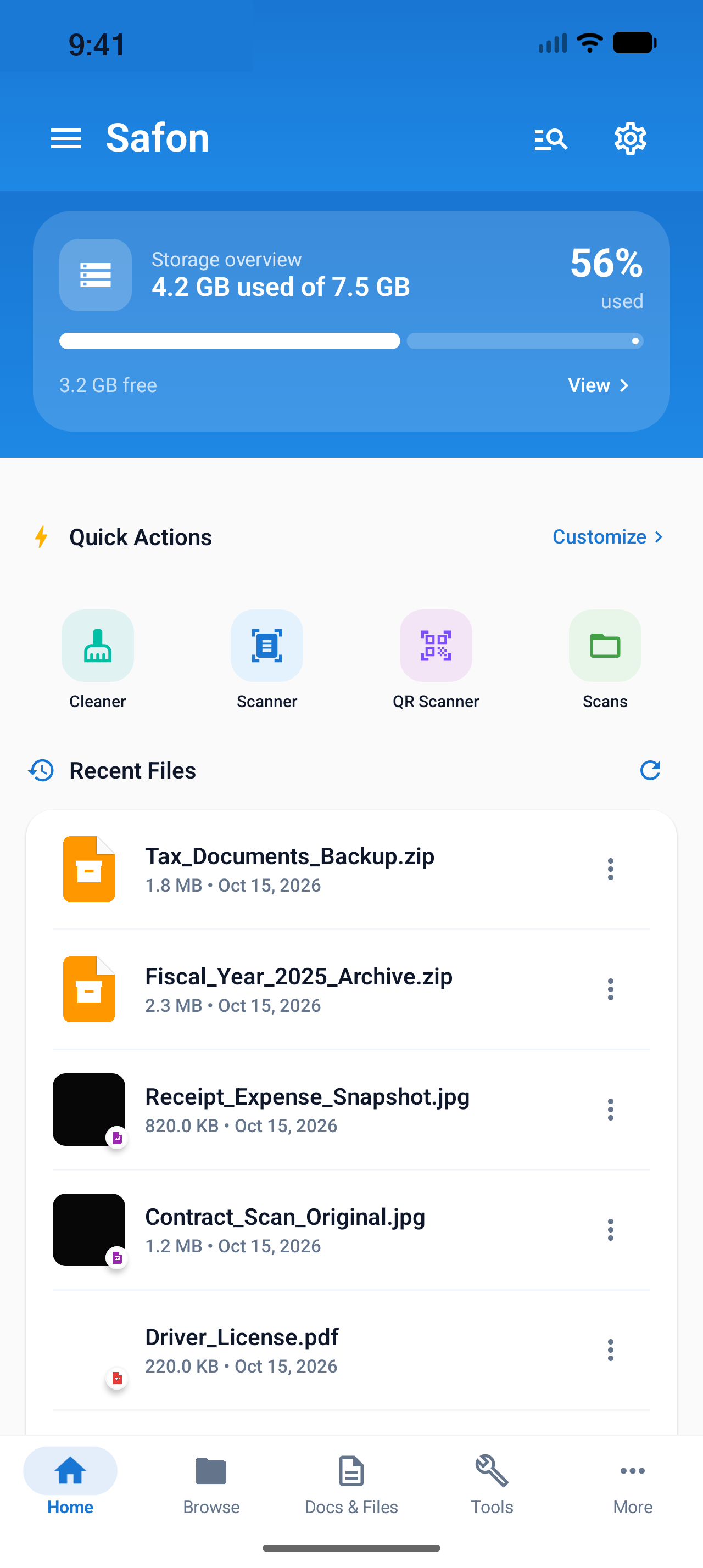
Explore internal storage, SD cards, and USB drives with deep folder navigation. Includes instant Recent Files access, storage breakdown analytics, batch operations, ZIP compression, and trash recovery.
Your all-in-one Android powerhouse for document scanning with smart categories, complete offline PDF power tools, storage cleaning, local Wi-Fi transfer, and encrypted private vault storage.
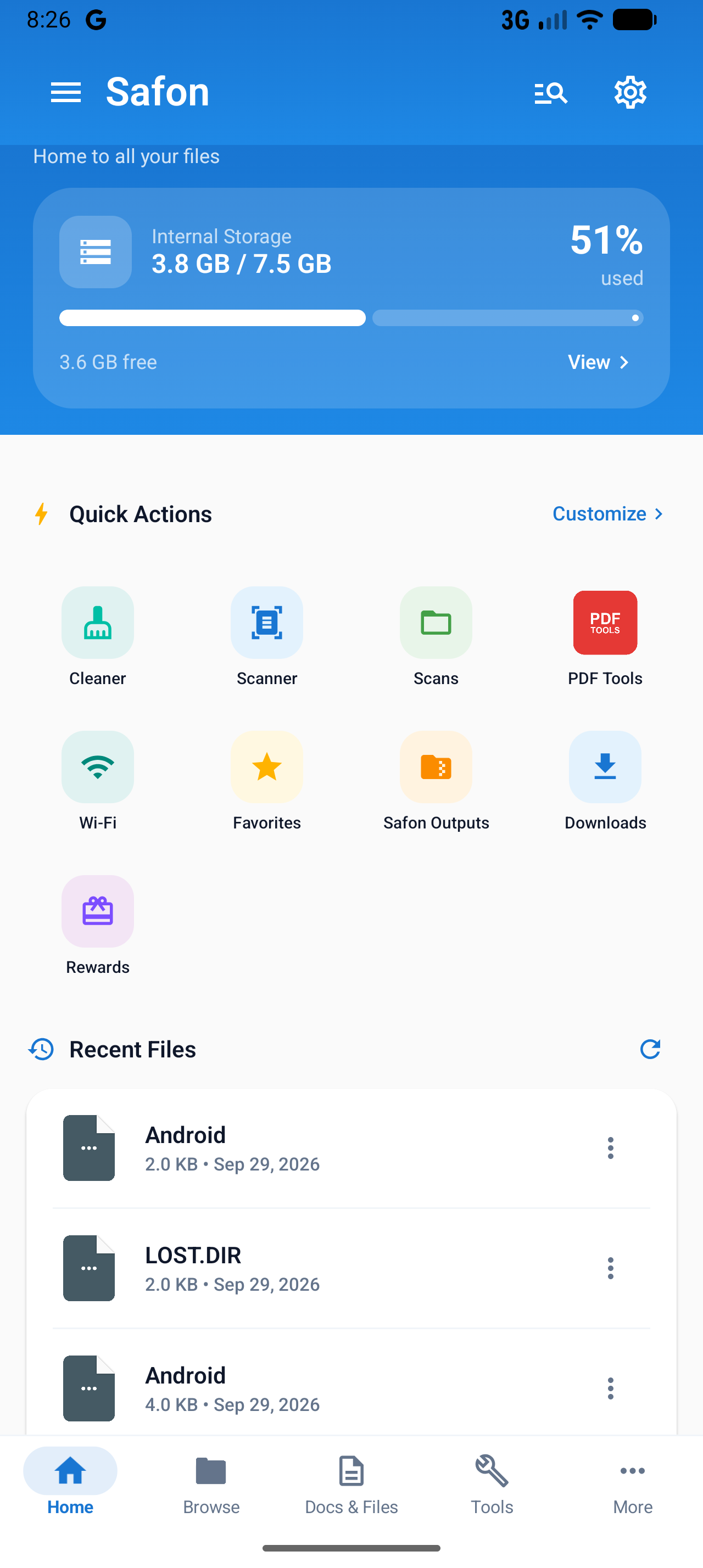
Everything you need to organize, create, edit, and secure your files without switching between multiple apps.
Explore internal storage, SD cards, and USB drives with deep folder navigation. Includes instant Recent Files access, storage breakdown analytics, batch operations, ZIP compression, and trash recovery.
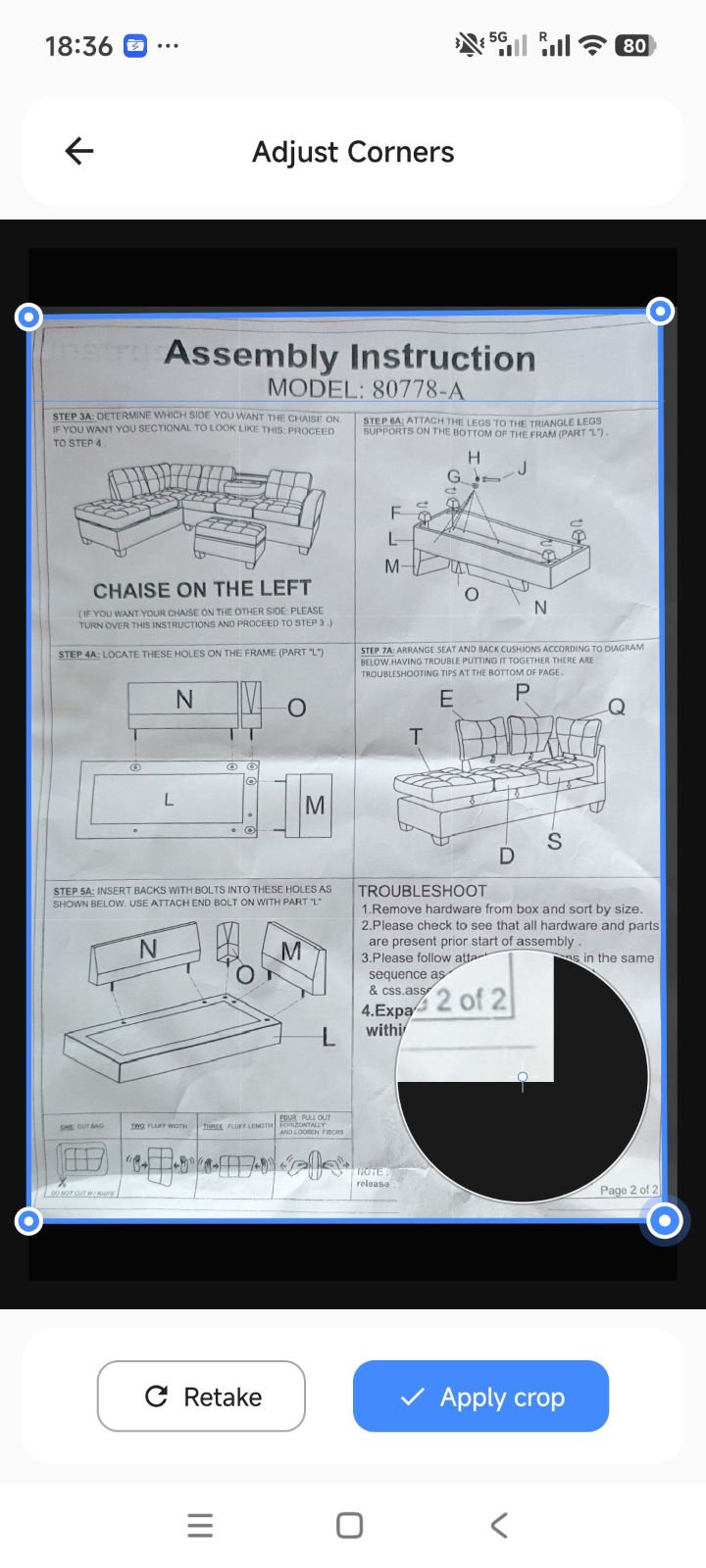
Capture physical paperwork, receipts, IDs, and books with live auto-edge detection, perspective crop, and smart color filters (Auto, Crisp, B&W, Magic Color). Features instant categorization into Invoices, Receipts, and Work, plus built-in live QR & barcode scanning.
Merge multiple PDFs, split page ranges, compress file size without quality loss, rotate orientation, lock with passwords, unlock protected files, add watermarks, and convert images to PDF or PDF to images—100% processed locally on your phone.
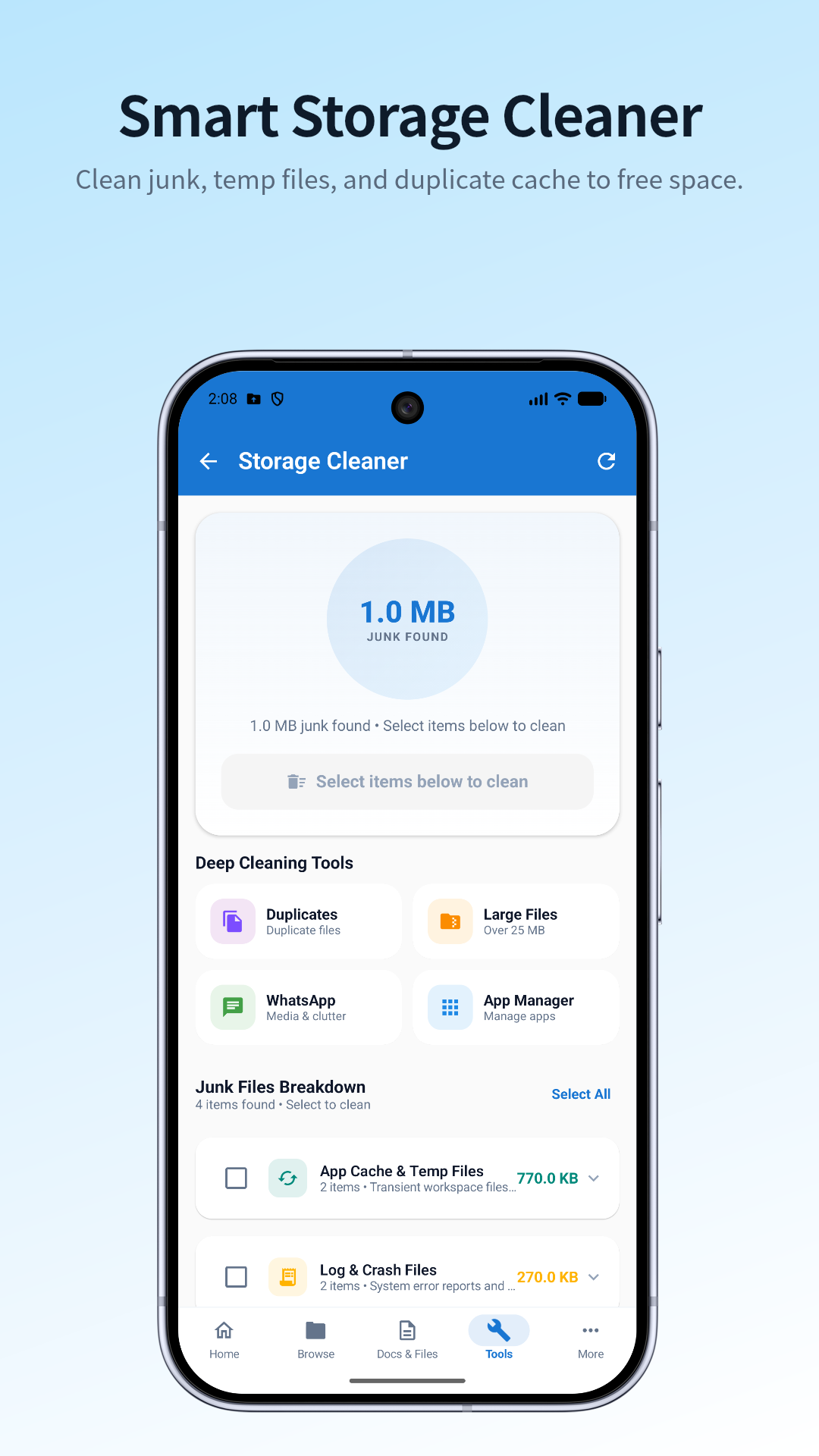
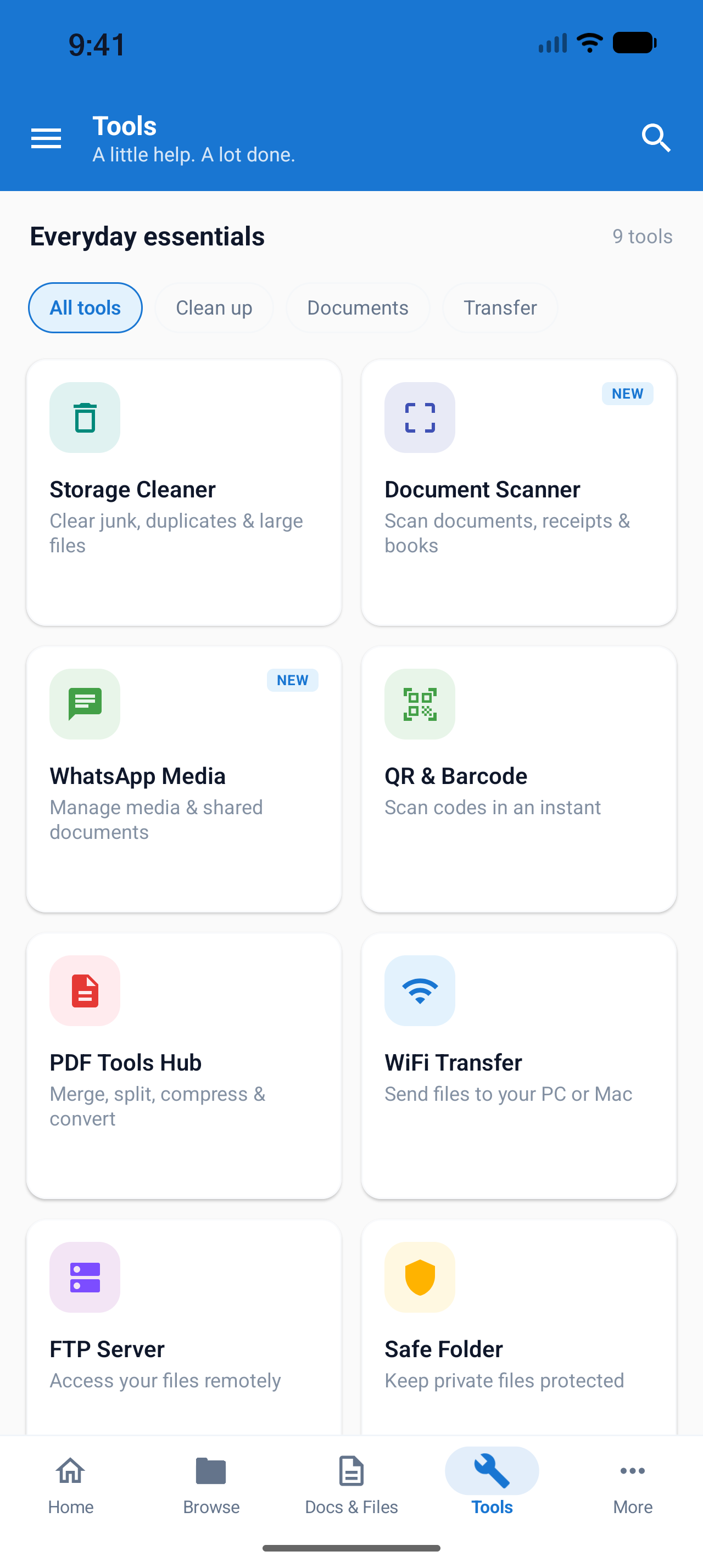
Reclaim gigabytes of space with deep storage analysis. Effortlessly remove app cache, transient files, obsolete APK installers, and empty folders. Includes duplicate file scanner, large file detector (>25MB), and Recycle Bin auto-retention restore.
Protect private files in a hardware-backed biometric Vault or encrypt individual files anywhere in storage with military-grade AES-256-GCM passwords. Includes encrypted PBKDF2 backup export and import.
Transfer files between your phone and PC or Mac over local Wi-Fi with zero cables and rotating 6-digit session PINs. Plus native Jetpack Compose viewers: PDF reader with thumbnail scrubber, code syntax viewer, and media player.
Designed with clean Material Design 3 guidelines for intuitive, fluid, and clutter-free navigation.



Safon is built from the ground up with strict on-device processing. We never upload your personal files, scans, or documents to remote servers.
PDF merging, optical character recognition, and document scanning run entirely on your phone processor.
Private vault is fortified with Android BiometricPrompt and encrypted storage to stop unauthorized access.
No mandatory account creation. Safon functions fully offline without demanding internet connectivity.
We do not track or sell your document metadata. Your confidential records stay private and in your hands.
 Safon
Safon
Smart document management, fast camera scanning, and complete PDF power tools — 100% offline & private.
Find answers to common questions regarding features, offline use, and security.
Yes! Safon is free to download on Google Play and gives you full access to file browsing, document scanning, PDF tools, and storage management. Optional Pro upgrades are available for advanced batch actions and ad-free usage.
No. All scanner enhancement, edge cropping, OCR text extraction, and PDF manipulation (merging, compression, password locking) occur 100% locally on your Android device. Your sensitive files never leave your phone.
Safon includes a comprehensive PDF Hub: PDF Merge, PDF Split, Images to PDF converter, PDF to Images exporter, PDF Compressor, Page Rotator, Watermarking tool, Password Lock (encryption), and Password Unlock.
The Secure Vault creates an isolated, encrypted storage partition on your device. Files placed inside the vault are hidden from standard gallery apps and require biometric authentication (Fingerprint or Face Unlock) or a custom PIN code to access.
When Wi-Fi Transfer is started, Safon generates a secure local IP address. By typing this address into any web browser on the same Wi-Fi network (PC, Mac, Linux, or tablet), you can upload and download files at high speeds without cables or cloud accounts.
Safon features a built-in deep storage cleaner that identifies app cache, temporary residual files, obsolete APK installers, and duplicate files. You can safely preview and delete junk to reclaim gigabytes of storage. Deleted items are safely held in the Recycle Bin before permanent deletion.